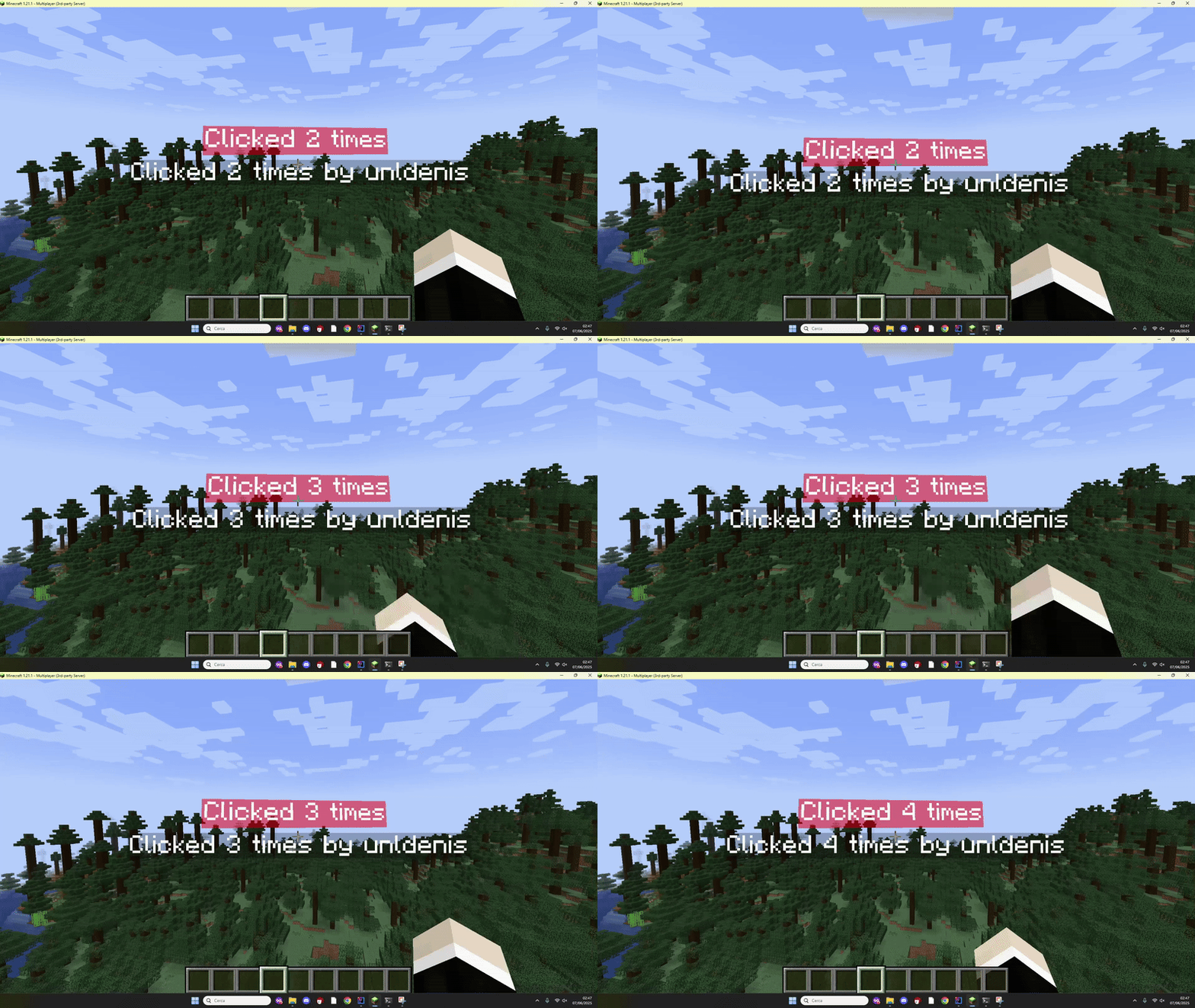
Click interactions
You can detect when a player clicks a hologram.
This needs three pieces:
- An
InteractionLineon the hologram (invisible hitbox) - A pool started with
isInteractive = true - A listener for
AsyncHologramInteractEvent
Version
Interaction lines require Minecraft 1.19.4+.
Async event
AsyncHologramInteractEvent is fired asynchronously. Do not call most Bukkit API directly from the handler without scheduling back to the main thread when needed.
1. Add an interaction line
java
public class MyCounterHolo extends Hologram {

    private final Line<?> interactionLine = interactionLine()
            .height(1.0f)
            .yOffset(1f);

    // ... other lines ...

    public MyCounterHolo(@NotNull HoloEasy lib, @NotNull Location location) {
        super(lib, location);
    }
}
Adjust height and yOffset so the click box covers the visible text.
2. Start an interactive pool
java
IHologramPool<MyCounterHolo> pool = holoEasy.startPool(60, true, false);3. Listen for clicks
java
@EventHandler
public void onClick(AsyncHologramInteractEvent event) {
    Hologram hologram = event.getLine().getHologram();

    if (hologram instanceof MyCounterHolo) {
        MyCounterHolo myHolo = (MyCounterHolo) hologram;
        myHolo.onClick(event.getPlayer());
    }
}
Register the listener as usual (Bukkit.getPluginManager().registerEvents(...)).
Updating after a click
If a click changes displayed values, refresh the lines:
java
public void onClick(@NotNull Player player) {
    clickCount++;
    globalCounter.updateAll();
    playerCounter.update(player);
}
Full example
The repository includes a complete clickable counter:
- Java:
holoeasy-example-java(MyCounterHolo+ExamplePlugin) - Kotlin:
holoeasy-example-kotlin